Product update
Back up your phone's photos automatically
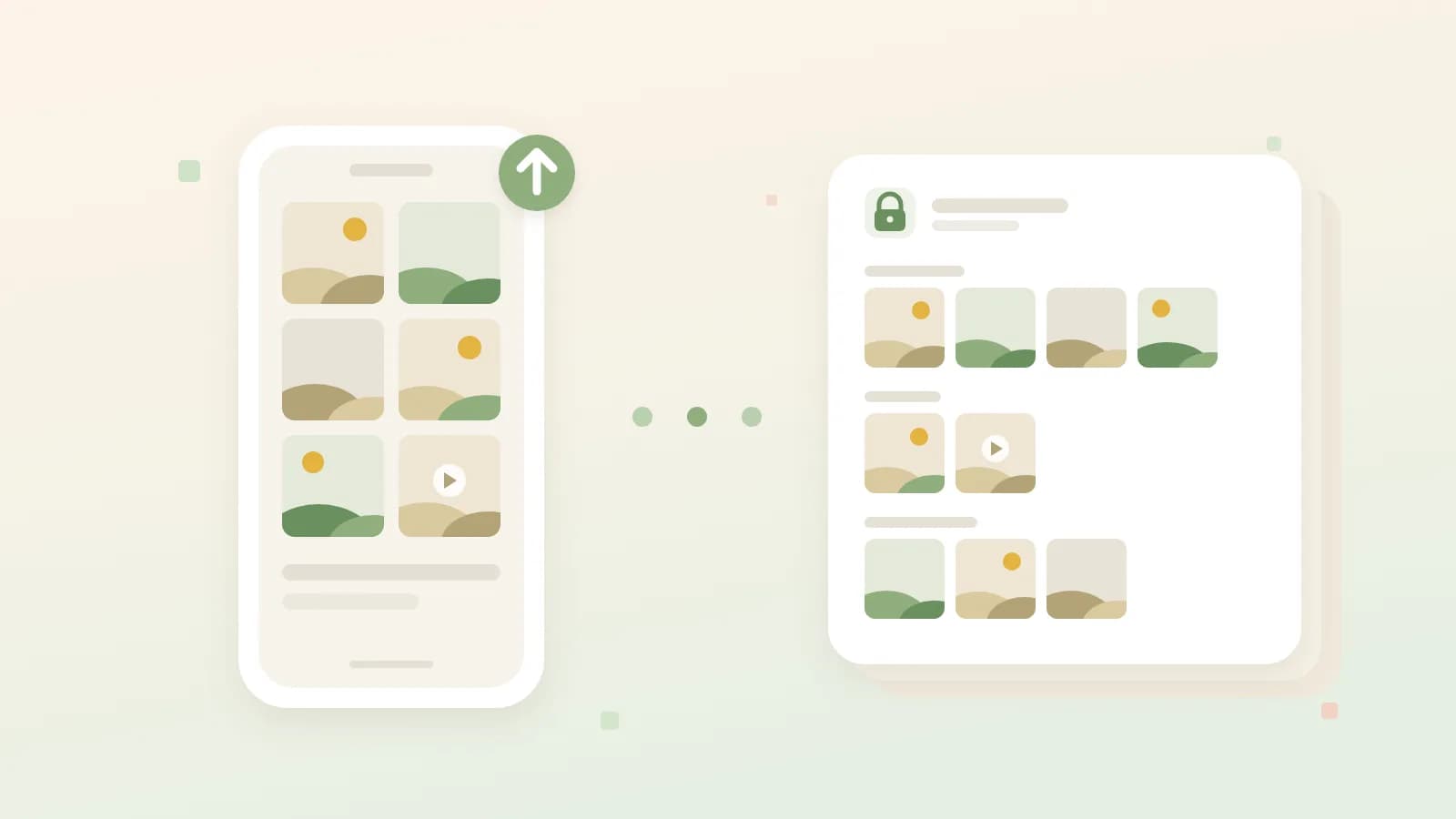
The Ohhi app now saves the photos on your iPhone or Android phone to a private archive on its own. You share with family later, whenever you like.
About what we build and why, plus practical tips for keeping and sharing family photos. Written by Maarten, the founder of Ohhi.
The Ohhi app now saves the photos on your iPhone or Android phone to a private archive on its own. You share with family later, whenever you like.
A box of slides can be digitised with your phone and a light source, or with a slide scanner. What you need and how to get a good result.
Move a folder from your computer or your Facebook or Instagram export to Ohhi in one go, with folders, capture dates and captions.
No account of your own under 13, a mini account co-managed by a parent until 15. What the EU Kids Act proposes, and how that looks at Ohhi.
BlubHub is our second app: a free logbook for your aquarium, with no account and everything stored on your device. Now on the App Store and Google Play.
Group chat, Google Photos, iCloud or Ohhi: what happens to your family photos on each channel, who can get at them, what you find back and what you pay with.
What happens to the place a photo was taken differs per channel. What each one does with it, and how you decide at the moment you post.
A box of old prints can be digitised with the camera in your phone. What goes wrong when you photograph a photo, and how to do it better.
Share baby photos with grandparents without a public profile: choose between a private album or a share link, and check four things first.
Every photo carries hidden data: date, device and often the exact location. What is inside the file, and how to strip it before you share.
How to find where a photo was taken on an iPhone, Android or computer, and see a whole folder on a map with a free tool, without uploading anything.
Photos of your kids disappear into the group chat between the messages. Keep them with the family in one calm place, in full quality.
With two-factor authentication, a leaked password alone is not enough to reach your photos. How to set up an authenticator app or passkey.
Every free account on Ohhi now has 1 GB of storage, twenty times as much as before. Enough for hundreds of photos, and existing accounts are already updated.
Ohhi recognises wide panoramas and 360° photos by itself. Pan through them at full height or look around from where you stood, right in your browser.
Invite your travel companions to a shared trip and see the whole group's holiday photos together, day by day and on a map. You only share your own trip folder.
Put your holiday photos in a trip folder and Ohhi lays them out day by day and on a map. We work out the place names from your photos, on our own servers.
Face recognition is off by default at Ohhi. Read what happens when you turn it on, what exactly we store and how you turn it off again.
Ohhi is on Google Play. Upload and share your photos and videos straight from your Android phone, without ads and on servers in Europe.
Your family photos sit on servers somewhere, under the rules of a country. Why it matters that Ohhi is built within the European legal order.
Ohhi is in the App Store. Upload and share your photos and videos straight from your iPhone, without ads and on servers in Europe.
Share your clips with family and friends in good quality: private, without ads, on servers in Europe.
How to share your children's best moments with family and friends, without a public profile, without ads and without an algorithm looking on.
We promise your photos never end up in an AI model. Read how we put that on record both technically and legally, without fine print after the fact.
Your photos sit on servers within the European Union, with a Dutch company, under European law. We show where they sit and who can reach them.
Share your storage with the family or a group of friends. The bill is shared, but the photos stay personal per account.
Folders, a few shared highlights and consistent naming: a calm method to find your way through a big photo archive without endless scrolling.
A timeline should show you your memories. On Ohhi everything sits in order of time, with no algorithm and no followers.