Back up your phone's photos automatically
The Ohhi app now saves the photos and videos on your phone to a private archive on its own. Only you can see it, and you choose later what to share with your family.
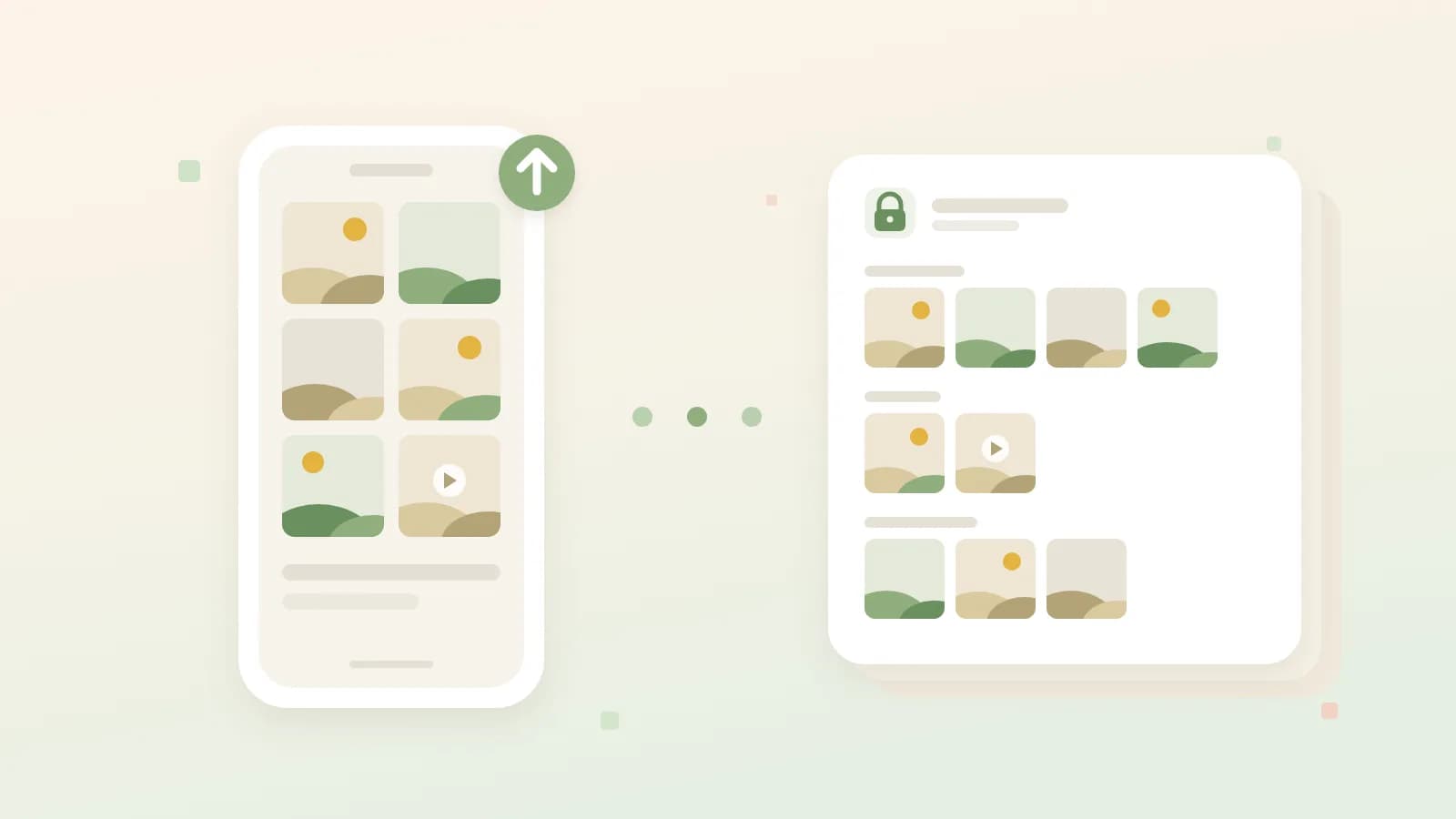
Illustrative image · new photos go from your phone to your private archive on their own
Your phone probably holds the most complete photo album your family has. The first swimming lesson is on it, along with last year's holiday and hundreds of ordinary days. As long as those photos live only on that one device, you lose them if it falls in the water or suddenly gives up.
That's why the Ohhi app now makes a backup by itself. You no longer have to think about it: new photos and videos go to your account automatically.
An archive only you can see
The photos don't end up in your family's timeline but in your archive, a private place in your account. Your family gets no notification about it and can't look inside, not even if you share your whole library with someone.
So you don't have to decide right away what happens to every photo. When it suits you, pick out the best ones: select them, or a whole day at once, tap Post and choose the folder. The people you share that folder with can then see them, and nothing needs to be uploaded again.
What is in your archive, only you can see. Others can only see a photo once you post it yourself.
Turning on the backup
In the app, open your archive and tap Turn on backup. You choose whether everything goes along, only what is added from now on or everything from a date, and whether it may only use Wi-Fi. With Estimate storage you see beforehand how much storage that takes. All the options are listed in the help article on the backup.
On Android the backup runs in the background, even with the app closed. An iPhone mostly does the work at night while charging and as soon as you open the app. A large first backup is therefore fastest with the app open, or with the phone on the charger overnight.
What you delete stays deleted
If you delete the twelve near-identical photos of the birthday cake, the backup won't put them back, not even when you later connect a new phone. A photo that is already on Ohhi doesn't come in a second time either. And in the archive we always keep the original file, not a scaled-down copy.
Your Google Photos can come along
If you have years of photos in Google Photos, they can join too. Request an export from Google Takeout, unzip it and pick the folder on Ohhi's import page on a computer. By default everything goes into the same private archive, with the right dates. In that case, set the backup to Only new ones: a copy from Google Photos isn't always the same file as the original on your phone, and this way you don't get duplicates. The import page itself is explained in import photos from Facebook, Instagram or a folder.
What it costs
Your archive counts towards your storage. A free account has 1 GB, enough to try it out, but for all the photos on a phone you usually need more. More storage starts at €6 a year, and with one plan for six accounts every family member has their own archive. All plans are on the pricing page.
The backup is in the latest version of the app, free on the App Store and Google Play. If you don't have an account yet, create one here. What else Ohhi does differently from Google Photos is on the page about the European alternative to Google Photos.