360° photos and panoramas, right in your library
Ohhi now recognises wide panoramas and 360° photos on its own. You pan through a panorama at full height, and in a 360° photo you look around from where you stood.
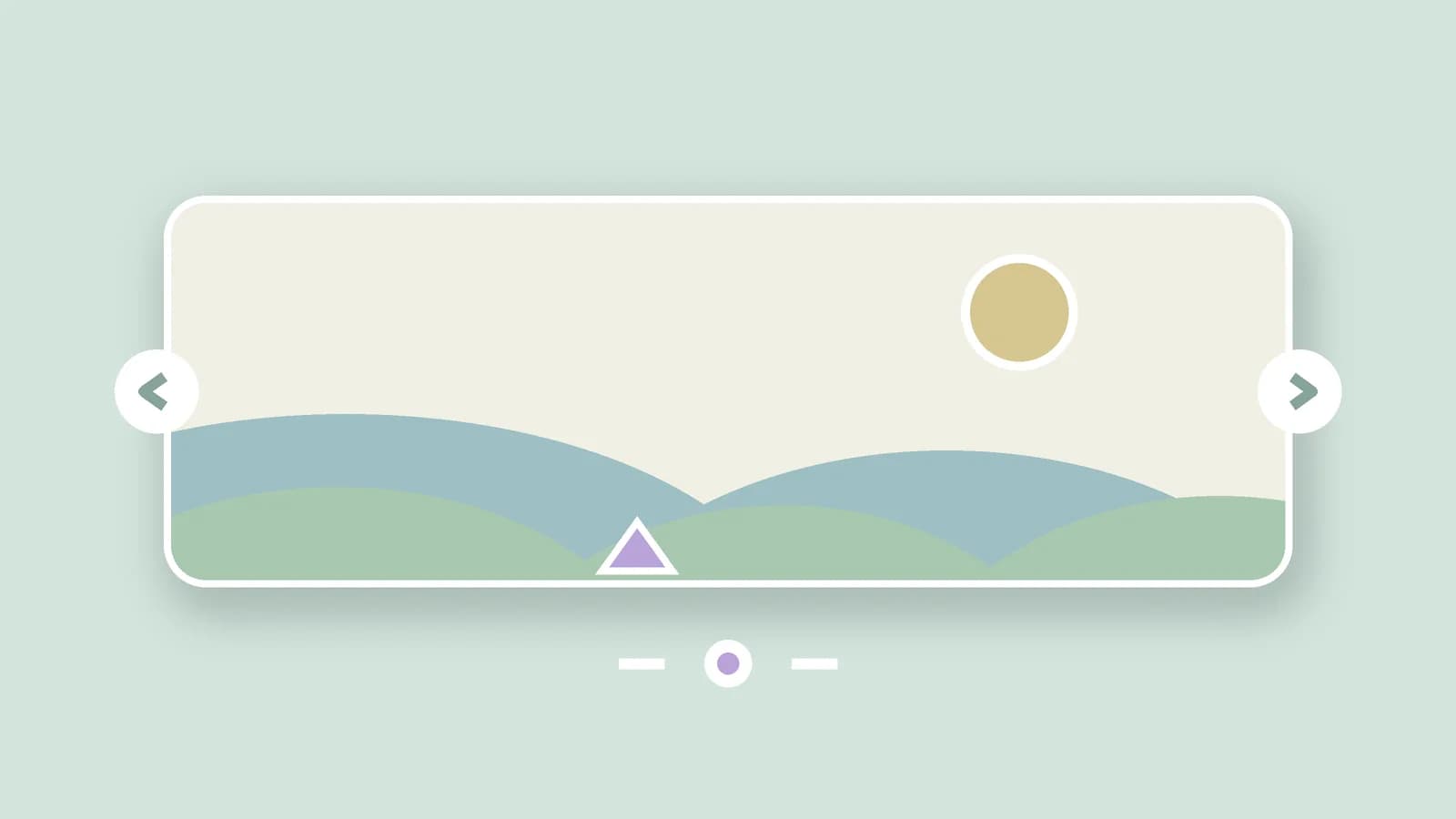
For illustration · a panorama you pan through
Your phone's panorama mode makes them almost by itself: extremely wide photos of a mountain ridge, a bay or a skyline. Impressive in the moment, but in an ordinary photo grid all that remains is a thin strip you have to squint at. So Ohhi now recognises panorama photos and shows them the way you took them.
There are two kinds: wide panoramas from your phone's panorama mode, and full 360° photos from a 360° camera or a photosphere app. Open such a photo in the viewer and a small label tells you which kind it is: 'Panorama' or '360°'.
Wide panoramas: panning instead of squinting
A wide panorama simply opens as a flat photo that fits the screen. Tap the panorama label and the photo goes to full height, and you drag through it from left to right, roughly the way you moved your phone while taking it. You start in the middle, where the subject usually is. This works straight away for every wide panorama already in your library; nothing needs to be reprocessed.
360° photos: looking around from where you stood
A 360° photo captures everything around the camera, including what was behind you. So it doesn't open flat, but as a view you look around in: drag to turn, scroll or pinch to zoom, and a double tap puts you back at the starting point. A tap on the label switches to the ordinary flat view, and if your browser can't handle the look-around view, you simply get the flat photo.
Whether a photo is a 360° shot is something we read from information the camera or the app itself writes into the file. That happens while processing your upload, on our own servers in Europe. The 360° recognition therefore applies to uploads from now on; wide panoramas we also recognise retroactively.
For the recognition we only read information your camera itself writes into the file. Your photo doesn't go to an external service and nothing about the file is changed.
In full quality, in your own browser
The look-around view runs entirely in your browser, using the original file at full resolution; with a 360° photo you see the difference as soon as you zoom in. We don't use an external viewer for it, and your original stays exactly as you uploaded it. It works on the web and in the iOS and Android app.
In the middle of the summer holidays it's panorama season: the ridge, the bay, the view after a climb. Put them in a trip folder with the rest of your holiday photos and they appear day by day and on a map right away. Creating an account is free, and your panoramas join in from the first upload.