Sharing family photos without the group chat
The group chat is where family photos end up, and also where they get lost. We explain how a shared album fixes that, without your family having to learn anything new.
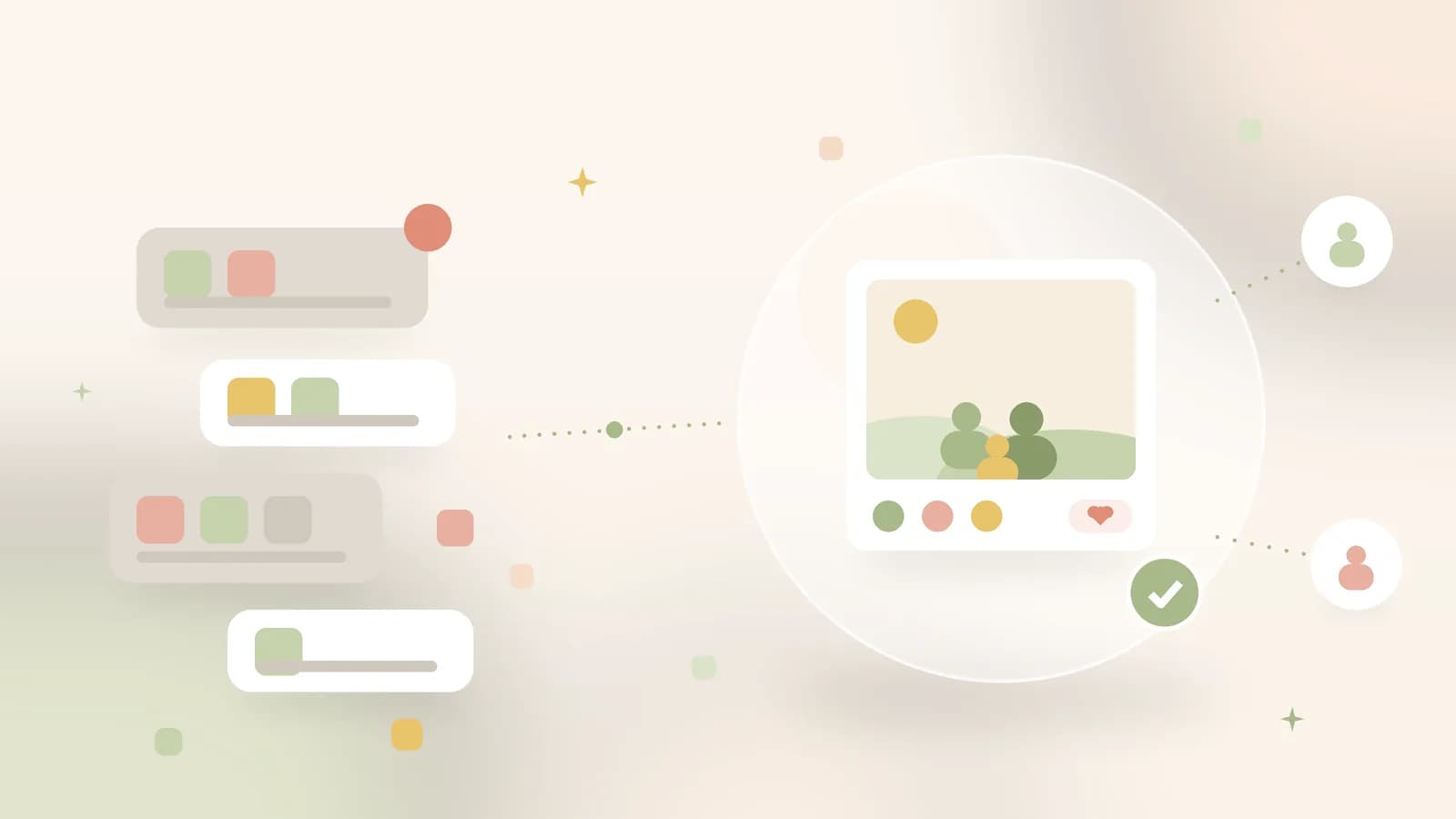
Illustrative image · from scattered chat bubbles to one shared album
The first day of school, the swimming certificate, a weekend at grandma and grandpa's: the photos go straight into the family group chat. That's understandable, because everyone is already there. But whoever looks for that one photo a month later scrolls past congratulations, shopping lists and a lot of thumbs-ups. The group chat is built for conversations, not for memories.
What happens to your photos in a group chat
Chat apps shrink photos and videos considerably to send them quickly; what grandpa saves is a compressed version, not the original. The images also sit scattered across the phones of whoever happened to be in the group, in between all the other conversations. There is no order and no overview, so finding things back gets harder with every new message.
In a shared album the photos sit in order, in full quality, and only the people you invited can reach them.
One album for the whole family
At Ohhi you create a shared album for your family and invite the people who belong in it. Everyone looks in the same place and reacts there, and whoever joins later sees everything from before as well. Videos play in up to 1080p, and with Keep originals on, the original file also stays in full quality. The photos of your kids remain visible only to who you choose.
The group chat doesn't have to go
You don't have to cancel or move anything. The group stays the place for the conversation of the day; the album becomes the place where the photos stay. One invitation per family member is enough for them to look along.
How to start
- Create a free account via sign up and set up an album for your family. You start with 1 GB of storage.
- Invite the family to the album. Whoever accepts the invitation looks along and can react; adding photos to your album is something you do yourself.
- Upload the photos from your phone with the iOS app or the Android app, or through the browser. With the phone backup they first go privately into your archive, and then you post what the family may see.
- Want to split the costs together? With one plan for six accounts, every family member gets a library of their own.
No algorithm or audience gets involved: no ads, no strangers looking on and no AI training on the photos of your family. Everything sits on servers in Europe. If you mostly share via Facebook today, the page on the European alternative to Facebook and Instagram puts the differences side by side. The next birthday is a good moment to put the album to use; see the plans if you want to start with the whole family.