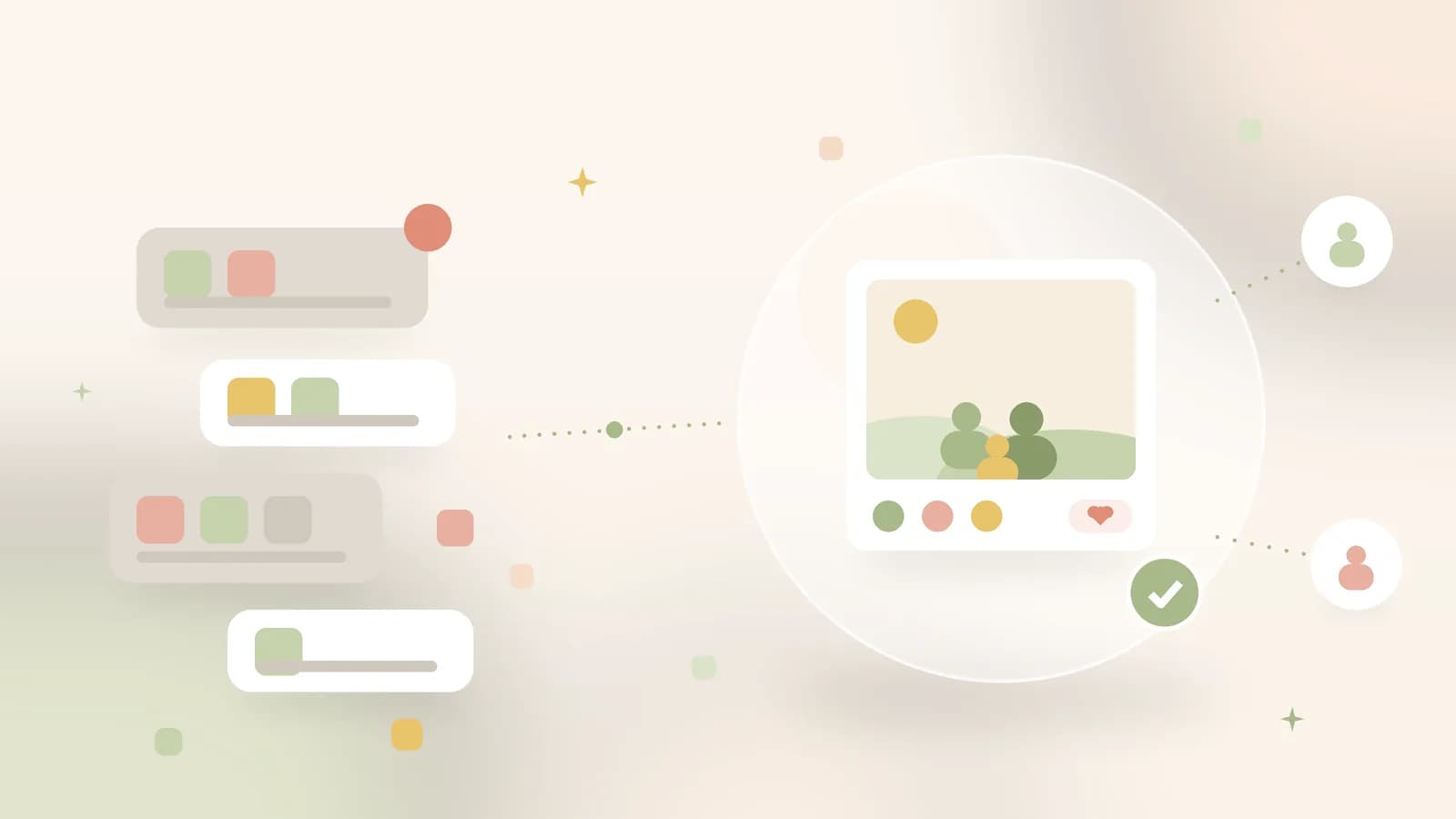
Sharing photos of your kids with only the people you choose
Proud grandparents, faraway friends, and still no public timeline. A calm way to share photos of your children without putting them on social media.
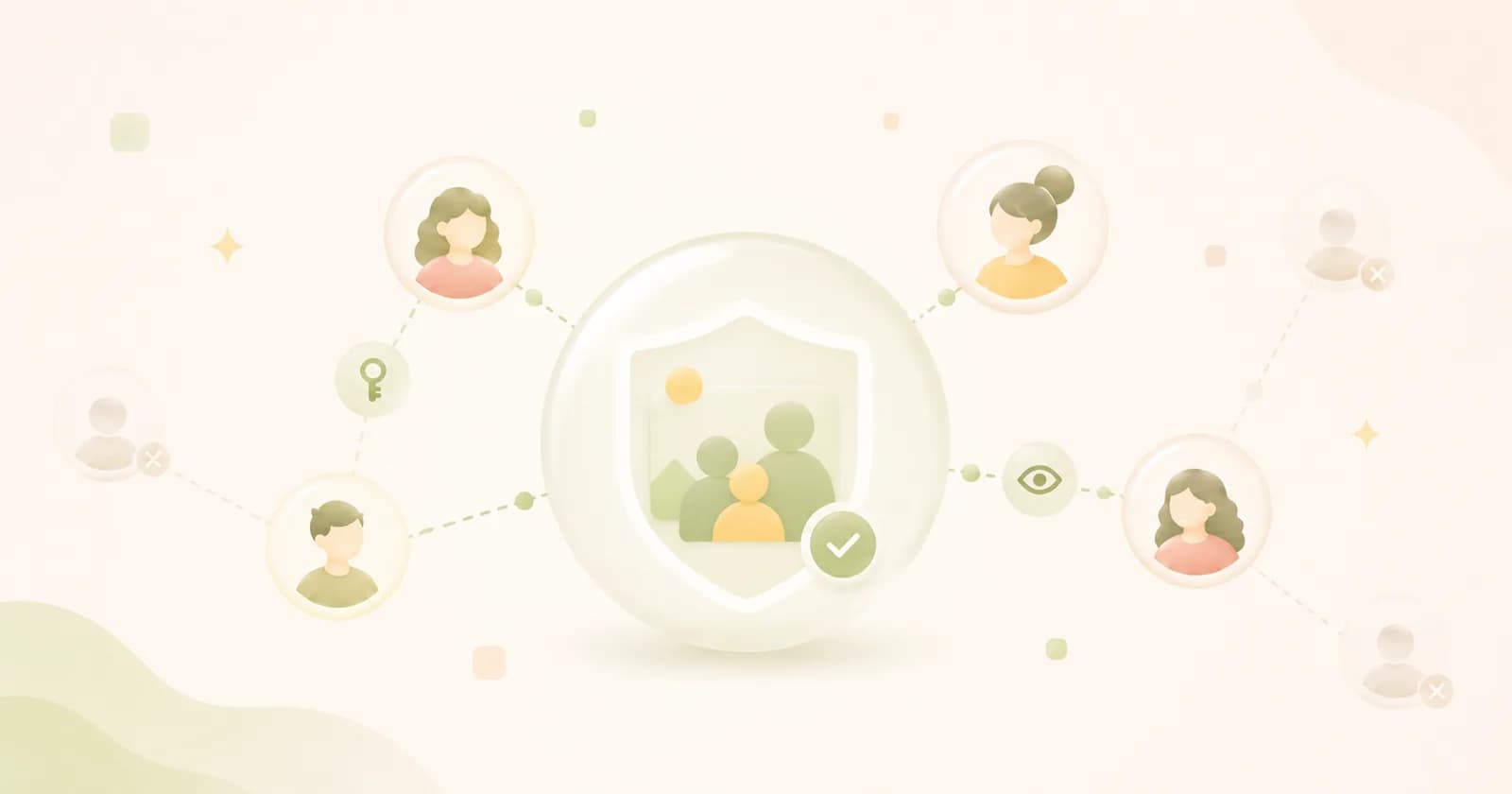
Illustrative image · sharing with your own circle, not with the public
First steps, the school play, a day out: those are the moments you want to share with grandparents and good friends. On most platforms, sharing means putting them on a public profile. They become visible to people you don't know, and they are used to target ads. With photos of your children that feels off, and there is good reason for it.
Share with a circle, not an audience
The difference is who's looking on. On Ohhi you share in albums with the people you invite yourself, and with no one else, unless you create a share link yourself. There's no public profile, no discover page and no algorithm pushing your photos around. What you share stays within the circle you choose.
It's a small choice with a clear effect. Photos of your kids stay with the few people who want to be there, and don't end up on a timeline trying to grow as large as it can.
We deliberately keep sharing small, because a child doesn't need followers for their photos, only the people who care about the child.
Four things that help
- Invite deliberately. Grandparents look and react, but they don't add anything to your folders. If a co-parent or a sitter wants to show their own shots, they share a folder of their own with you.
- Keep each moment separate. Create one album per occasion, such as a birthday or a holiday. That way you decide each time who gets to look on.
- Recognition only if you want it. We never train AI on your photos and sell nothing. Recognition is off by default; if you turn it on, the computing stays on our servers in Europe.
- Think about later. You can always revoke access; whatever someone has already downloaded does stay with that person. Nothing sits on a public profile you no longer control.
That way you share your children's best moments with exactly the people they're meant for: calm, private and with no ulterior motive. If a photo also shows other people's children, from school or the sports club for instance, you can make their faces unrecognisable first with our free blur faces tool, right in your browser. Create a free account and invite your first album companions.