Download all your photos from Facebook
Facebook often holds the only copies of ten years of family photos. This is how to get them out with the right settings, and what the download leaves out.
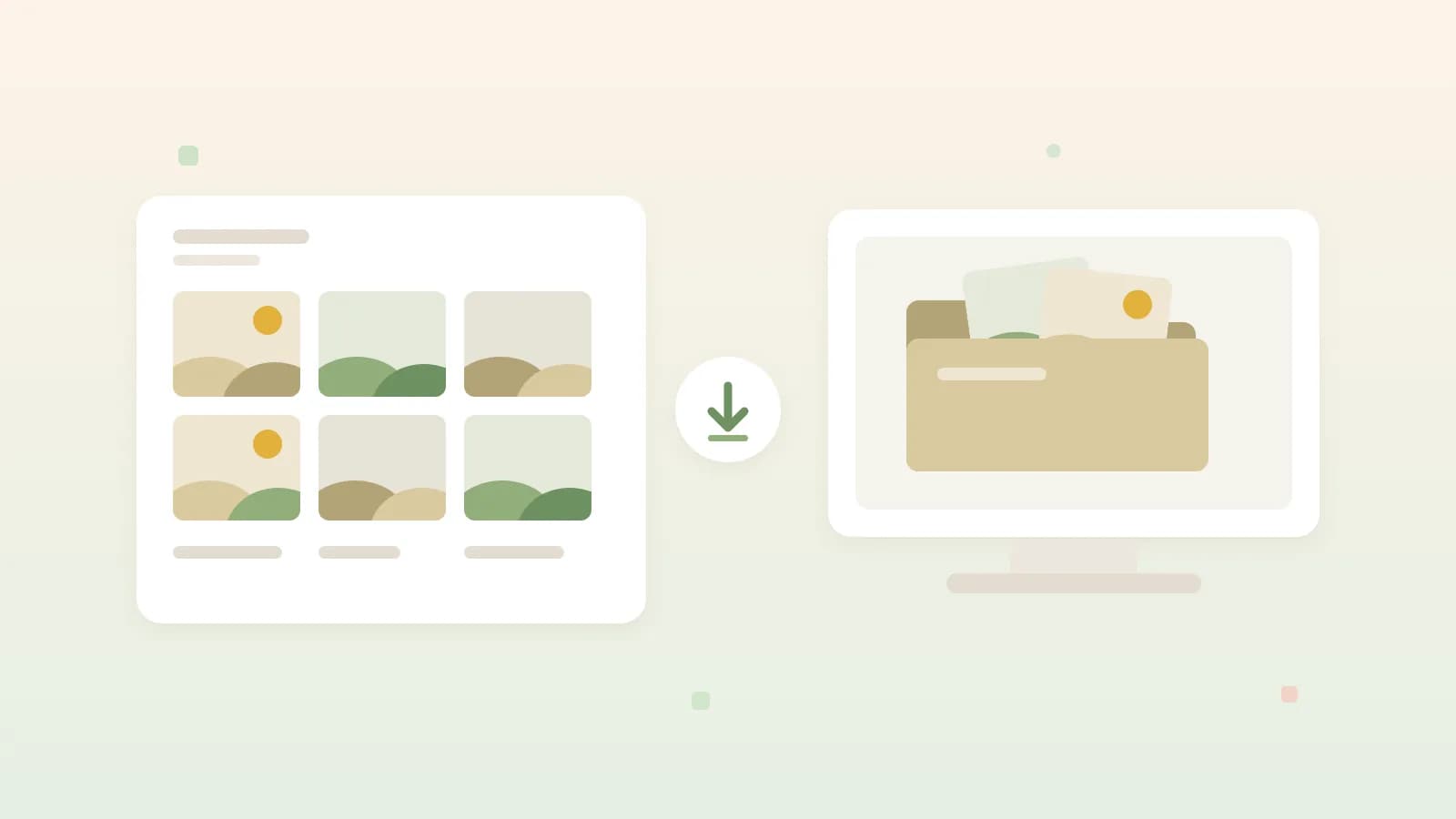
Illustrative image · your albums go as a download to a folder on your own computer
For many families, a good part of their history lives on Facebook. The birth photos, holidays from ten years ago, albums you once uploaded from a phone that is long gone. Often the version on Facebook is the only one left. Whether you leave or stay, a copy of your own is sensible, and Facebook lets you download everything you posted yourself.
Requesting a copy
In the app or the browser, open the settings and go to the Accounts Center. Under your information you'll find Download your information. Choose to download to your device, select your Facebook profile and then pick only the types of information you need instead of everything. For photos that is the part with your posts, which covers your photos, albums and videos. Meta moves the steps in between around regularly, so if a button isn't where you expect it, search the settings for "download".
The three settings that matter
- The date range. Set it to the whole period, otherwise you only get the last year or some other slice.
- The media quality. Choose the highest. The download gets bigger, but you get the best version of your photos that Facebook keeps.
- The format. HTML opens as a kind of website in your browser and is pleasant to browse yourself. JSON is meant for moving your photos to another service, because the dates and captions are stored in it in a readable way.
Facebook then prepares the files. For an account with years of photos that can take hours; you get a notification when it's ready. A large download is split into several zip files, and they are only available for a few days. So download them right away and unzip them all into the same folder.
What isn't in it
The download contains what you posted on Facebook yourself. Photos that others tagged you in stay on their account and don't come along.
If you want to keep those, save them one by one or ask the person who posted them for the original. With family, it is often still on a phone or a drive.
The photos that do come along aren't your camera's files either. Facebook scales down and compresses on upload and strips the metadata, such as the device and the place. Facebook does keep the capture date, but in a separate file next to the photos; with JSON, another service simply reads that date. If you still have the originals on an old laptop or external drive, those are better than what comes out of the download.
Check before you delete your account
Open the folder and look through a few albums, including some from the oldest and the latest years. Only once that checks out does deleting make sense. If you're still in two minds, you can deactivate your account instead: your profile is hidden, but everything stays and you can come back. If you do delete it, you have thirty days to change your mind by logging in again. After that it's gone, and with it every photo that only existed on Facebook.
Where to keep the photos afterwards
A zip on your laptop is a copy, but not a place you ever look at again, and if that laptop gives up you lose the photos after all. Keep them in at least two places. If you want to keep the albums together and share them with family, the JSON download can go to Ohhi in one go: the albums become folders and the photos are back in the year they were taken. How that works is in import photos from Facebook, Instagram or a folder.
Ohhi isn't a new social network but a private place for your family's photos, without ads and with storage in Europe. What it does and doesn't replace is on the page about a European alternative to Facebook. If you don't have an account yet, create one here; the first gigabyte is free.